In this guide
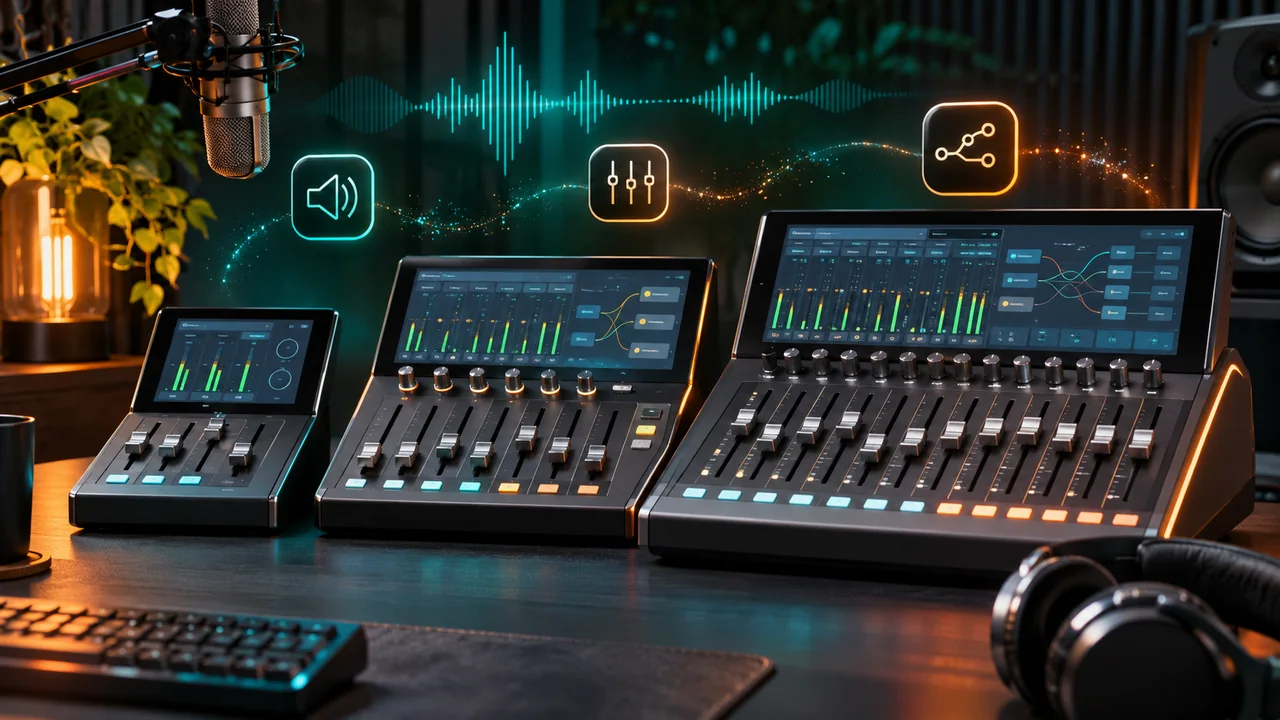
VB-Audio offers Voicemeeter in three editions with memorable names: Standard, Banana and Potato. They are not three different programs so much as three sizes of the same mixing console. They share the same audio engine, the same way of routing sound and the same file format for settings. What changes is how many devices you can connect, how many places you can send sound and which extra tools are built in.
This comparison uses the figures VB-Audio publishes for the current September 2026 releases: Standard 1.1.3.0, Banana 2.1.3.0 and Potato 3.1.3.0.
The short answer
- Choose Standard if you have one microphone and want to send it, plus your PC sound, to one app.
- Choose Banana if you stream, record, or use two audio apps at once (for example Discord and OBS). This is the right answer for most people.
- Choose Potato if you need many devices, many separate mixes or built in effects, and you are happy to buy an activation code.
The bigger packages include the smaller ones. Downloading Banana installs Banana and Standard; downloading Potato installs all three.
Side by side
| Standard | Banana | Potato | |
|---|---|---|---|
| Hardware inputs | 2 | 3 | 5 |
| Virtual inputs | 1 | 2 | 3 |
| Hardware outputs (A buses) | 2 (A1, A2) | 3 (A1 to A3) | 5 (A1 to A5) |
| Virtual outputs (B buses) | 1 (B1) | 2 (B1, B2) | 3 (B1 to B3) |
| Built in recorder and player | No | Yes | Yes |
| Bus parametric EQ | No | Yes | Yes |
| Internal reverb and delay | No | No | Yes |
| License | Donationware | Donationware | Donationware with activation code |
| Package installs | Standard | Banana and Standard | Potato, Banana and Standard |
Understanding the numbers
Before comparing editions it helps to know what the inputs and outputs actually are. Our inputs, outputs and buses explainer goes deeper, but in short:
- Hardware inputs are physical devices that make sound: microphones, audio interfaces, capture cards, a line input.
- Virtual inputs are devices Voicemeeter creates in Windows. Apps "play" into them as if they were speakers. Each virtual input becomes a separate strip in the mixer, so you can control that app's audio on its own.
- A buses send sound to physical outputs such as headphones, speakers or a second sound card.
- B buses are virtual outputs. Apps such as Discord, OBS or Zoom record from them as if they were microphones.
So "Banana has two virtual inputs and two virtual outputs" means Banana can take sound from two groups of apps separately, and can deliver two different mixes to apps.
Voicemeeter Standard
Standard is the original Voicemeeter. It has two hardware input strips, one virtual input strip (VOICEMEETER VAIO) and three outputs: A1 and A2 for physical devices and B1 for apps.
What it is good for:
- Adding processing such as a gate or compressor to a microphone before it reaches a call app.
- Combining your microphone and PC sound into one stream, for example to share a video's sound in a meeting.
- Learning Voicemeeter without a crowded interface.
Where it runs out: with only one virtual input, every Windows app goes through the same strip, so you cannot, for example, keep Discord voices out of a recording while including game sound. With only one B bus, every app that records from Voicemeeter gets the same mix.
Voicemeeter Banana
Banana, which VB-Audio sometimes calls the advanced or pro version, raises the counts to three hardware inputs, two virtual inputs (VOICEMEETER VAIO and VOICEMEETER AUX) and five outputs (A1, A2, A3, B1 and B2).
That one extra virtual input and output is what makes Banana the popular choice. A typical streaming setup looks like this:
- Game and music play into Voicemeeter Input (VAIO strip).
- Discord plays into Voicemeeter AUX Input (AUX strip).
- Your microphone is on hardware input 1.
- B1 carries just your microphone, and Discord records from it.
- B2 carries mic, game, music and Discord, and OBS records from it.
Banana also adds a tape style recorder and player that can record any combination of inputs or buses to a file and play audio files into the mix, plus a parametric EQ on each output bus, which is useful for correcting headphones or speakers. Since early 2024 the Banana package also includes a 64 bit MP3 encoder for the recorder.
Who should use Banana: streamers, podcasters with a remote guest, gamers using voice chat, anyone who wants their call app and their recording app to receive different mixes.
Voicemeeter Potato
Potato is the largest edition, first released in January 2019 as "Voicemeeter 8" because it offers eight inputs and eight outputs: five hardware inputs, three virtual inputs and eight buses (A1 to A5 and B1 to B3).
Beyond the extra channels, Potato adds tools aimed at more demanding setups:
- Internal effects: a reverb and a multi tap delay that can be sent from any strip.
- External AUX send and return, so you can patch in external processing.
- Advanced voice processing: VB-Audio's 2022 and 2024 updates added a parametric EQ, a full compressor and gate, a multiband compressor and a denoiser on Potato's input strips, and a "Voice Modeler" effect on the hardware inputs.
- More virtual paths: a third virtual input and output (often shown as VAIO3) for a third app or mix.
Potato's license works differently. It is donationware with an activation code: you can download and install it, and you get the activation code after paying through the VB-Audio webshop at a price level you choose. See Is Voicemeeter free? for how this works, and our Potato guide for setup.
Who should use Potato: multi camera or multi guest streams, people with several audio interfaces, broadcast or live sound on a PC, and anyone who wants reverb or advanced dynamics without external plugins.
What all three share
- The same core engine with support for MME, DirectX, KS, WDM and ASIO drivers.
- Windows support from XP SP2 to Windows 11 in 32 bit, 64 bit and ARM64.
- VBAN network audio for sending and receiving audio, MIDI and text over a local network.
- The Macro Buttons app for programmable shortcuts.
- The Remote API, free for any project, for controlling the mixer from code.
- Strip processing basics such as gain, mute, solo, gate, compression and the IntelliPan panel for position and tone.
- New features from each release. The September 2026 update, for example, brought the Windows Audio Map and the new limiters to all three editions.
How to decide in practice
Count what you need, then add one for headroom:
- How many physical devices make sound? One mic only: any edition. A mic plus an audio interface plus a capture card: Banana or Potato.
- How many apps need to be controlled separately? One group: Standard. Two (for example "game and music" and "voice chat"): Banana. Three or more: Potato.
- How many different mixes do apps need? One: Standard. Two (for example "voice only for Discord" and "everything for OBS"): Banana. Three: Potato.
- How many places do you listen? Headphones only: any edition. Headphones plus speakers plus a recorder: Banana. More: Potato.
If every answer fits Standard, use it. If any answer needs Banana, use Banana. Only move to Potato when Banana genuinely runs out.
Switching later is easy
Because the packages are cumulative and settings files share a format, moving between editions is straightforward. If you install Banana and later decide Potato is right, you install the Potato package, open Potato and load your Banana settings file. VB-Audio's September 2026 notes even mention a fix so that AUX effect settings apply correctly when loading Banana or Standard files into Potato.
Going the other way works too: open Standard from the Start menu at any time if you want a simpler console.
A note on performance
VB-Audio describes Voicemeeter's engine as firmware like, designed for very low CPU use, and does not publish separate hardware requirements per edition. Potato processes more channels and effects, so it naturally does more work, but on a modern PC the difference is rarely the deciding factor. Buffer settings and driver choice matter far more for smooth audio than edition choice. See our crackling fix guide.
Check the official specifications yourself on VB-Audio's pages for Voicemeeter Standard (opens in a new tab), Banana (opens in a new tab) and Potato (opens in a new tab).
Frequently asked questions
Is Voicemeeter Banana better than Standard?
Banana does everything Standard does plus a second virtual input and output, more hardware channels, a recorder and bus EQ. It is better for most users, though Standard is simpler.
Is Potato worth it over Banana?
Only if you need more inputs, outputs or effects than Banana offers.
Can I run Banana and Potato at the same time?
Run one Voicemeeter edition at a time. They share virtual devices, so open the edition you need and close the others.
Which edition uses the least CPU?
Standard does the least processing, but on modern PCs all three are light. Buffer settings matter more for stability.
Do settings transfer between editions?
Yes. Settings files can be loaded into a larger edition, and VB-Audio has fixed issues with loading Banana or Standard files into Potato.
Summary
Standard, Banana and Potato are the same mixer in three sizes. Standard gives one virtual path for simple setups, Banana gives two virtual inputs and two virtual outputs plus a recorder and bus EQ, and Potato gives three of each plus effects and advanced processing for an activation code. For most people Banana hits the sweet spot, and since its package includes Standard, you can always step down. Grab it from our download page, which links straight to VB-Audio.